Concept and Inspiration
Sugar can become a glittering crystal, a clear brittle sheet, or a smooth shell around a sweet. Rock candy grows when sugar crystallizes from a concentrated sugar-and-water solution onto a suitable surface; the resulting clusters look nothing like glossy molded candy. [1]
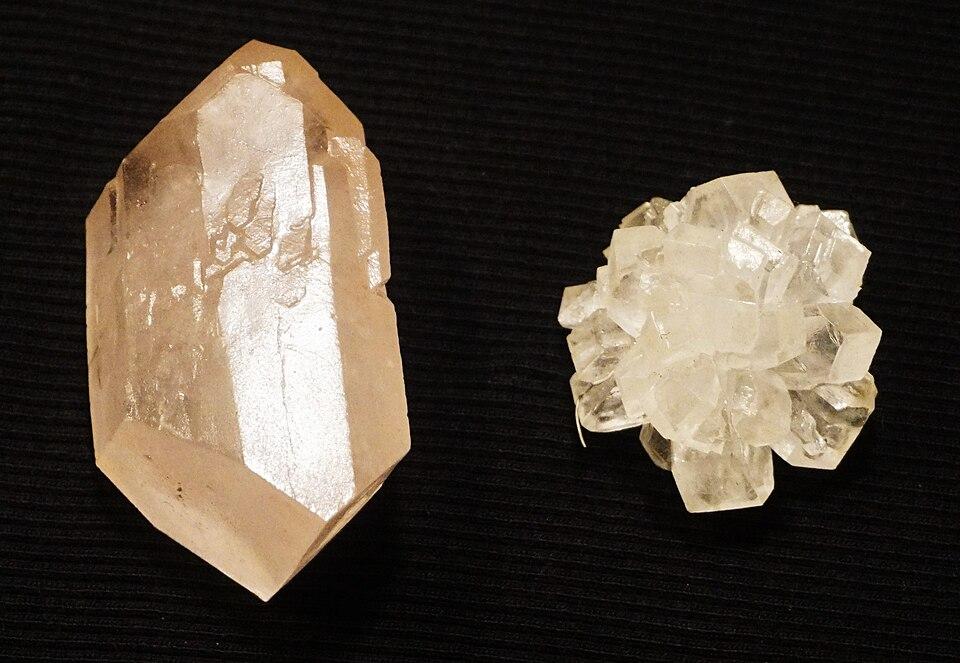
Figure 1. Large and small sugar crystals grown from a sweetened solution.
Photo: Zaereth | ccby-sa4.0
Texture depends on how sugar is handled. Scientists studying supersaturated sucrose solutions found that agitation can encourage rapid crystallization, while a separate confectionery study found that lactose inhibited sucrose crystallization in its test mixtures. Small changes in process and ingredients can produce strikingly different results. [2] [3]
Consider the dragée: a small sweet or nut enclosed in a firm outer shell, sometimes chosen for its decorative finish. In confectionery panning, a turning pan coats a center and the new surface is allowed to dry or set. Some sugar-coating processes build up multiple thin layers through repeated applications. [4] [5] [6]
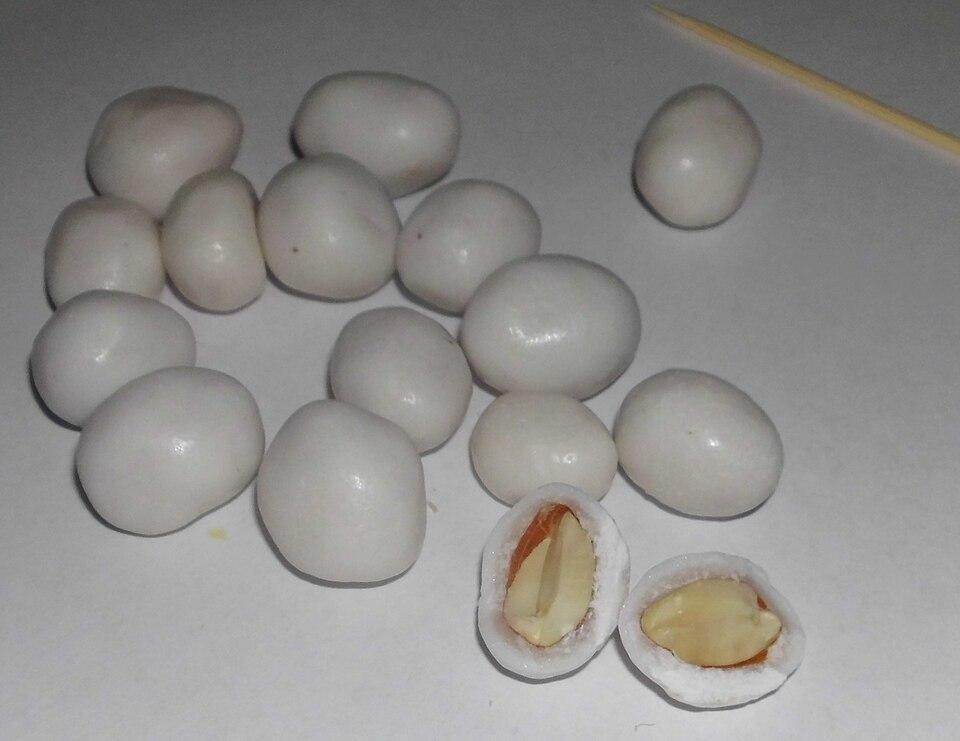
Figure 2. Peanuts enclosed in a pale sugar glaze, illustrating coated confectionery.
Photo: Ural-66 | cc0
There is also sugar glass, a transparent, fragile confection that resembles ordinary glass. Its crisp look contrasts with the rough facets of rock candy and the polished surface of a coated treat. [7]
We developed Candy Crush for Slope3 around that playful idea of sugar taking many forms. Our candy-town display is full of hearts, stars, drops, glossy squares, striped sweets, and thick coatings. Instead of patiently building sugar shells, you transform the display by matching candies and uncovering the treats beneath its layers.
Story
The night before the Candy Lantern Fair, the windows of a pastel sweetshop town should be glowing with neatly arranged treats. Instead, an overenthusiastic batch of experimental glaze has spilled through the displays. Bright candies sit trapped under pink shells, and some of the most precious cases are secured by crossed sugar latches.
Mira, a young apprentice confectioner, knows every shape on the shelves. She sets off through the sleepy town with a simple promise: restore the displays before the festival lanterns are lit. Some trays offer just a few narrow rows of sweets; others are crowded with colors and stubborn layers. A cheerful crowned host keeps watch beside each new challenge as Mira works to bring the missing colors back into view.
As dawn approaches, the hardest part is choosing what to free first. A quick burst of color may open a path through a cluttered case, but every decision matters when time is short. The fair becomes a small celebration of patient craft and clever rearrangement: one restored display at a time.
Gameplay
Each Candy Crush level gives you a board, a limited number of moves, and a target to complete. Swap two horizontally or vertically adjacent candies to make a line of at least three of the same color. A valid match disappears, earns points, and lets replacement candies fall into open spaces; a swap that makes no valid match reverses. Keep matching and clearing the required targets before the move counter reaches zero.
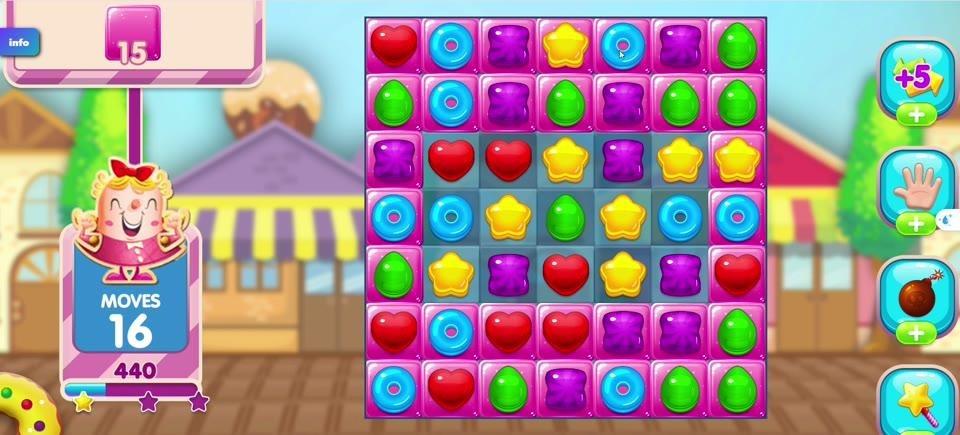
Figure 3. A filled candy grid with red hearts, yellow stars, green drops, and purple squares.
Candies and Special Matches
The regular pieces are easy to tell apart: shiny red hearts, five-pointed yellow stars, pointed green drops, and rounded purple squares. For example, moving a yellow star beside two more yellow stars in one row clears that three-star line and opens spaces for falling candy.
Match four candies of the same color in a horizontal or vertical line to create a striped special candy. Activate it by matching it with at least two regular candies of its color, or by combining it with another special candy. Horizontal stripes clear a row, while vertical stripes clear a column; either effect can also hit certain blockers. Match five candies in a straight line to create a Color Bomb, then swap it with a neighboring candy to clear candies of that color. Match five candies in an L or T shape to create a Wrapped Candy, which bursts twice and clears a 3-by-3 area around it.
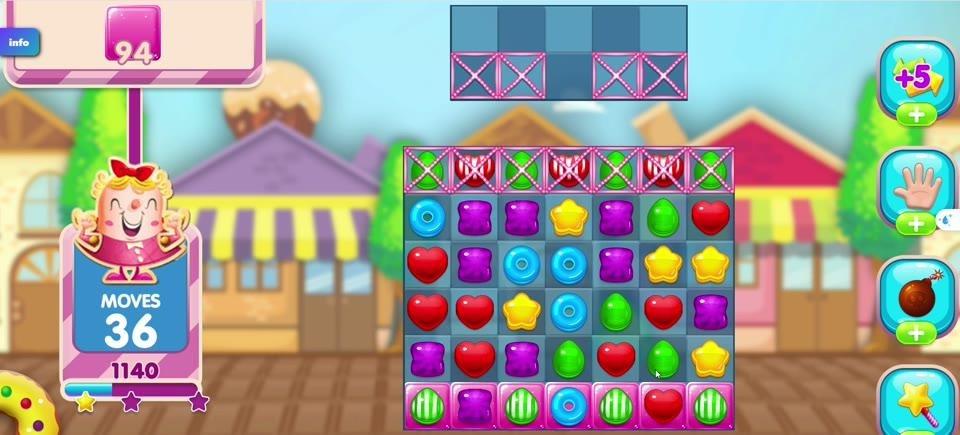
Figure 4. X-braced locks and striped candies among the pieces on a later board.
The blue-ring special candy has bright cyan concentric circles around a pink center, distinct from the regular candy shapes on the board. When it carries a check mark, it is a Lucky Candy. Match it with at least two candies of the same color in a row or column to transform it into a candy or object needed for the level's collection target.
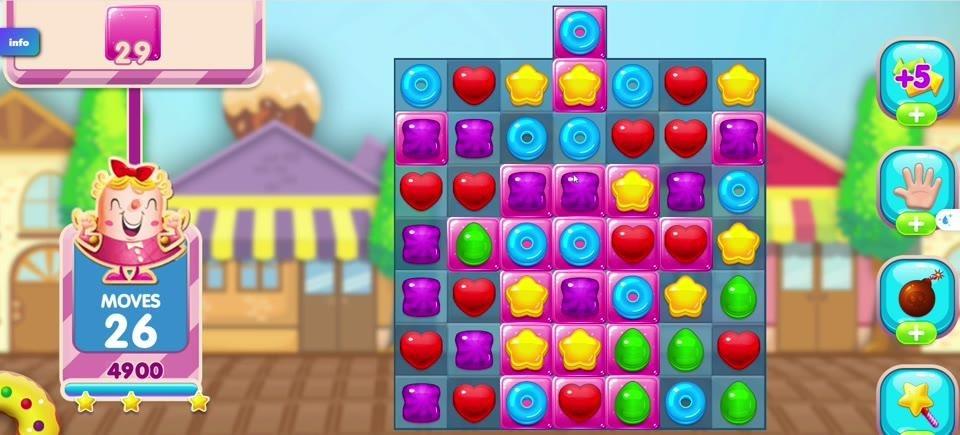
Figure 5. Bright blue ring candies mixed with other sweets on the board.
Sugar Coatings, Locks, and Changing Boards
Smooth pink coverings and some purple-tinted cells represent layered sugar coatings. Include a coated candy in a valid match to remove one coating layer; repeated qualifying matches uncover the normal candy. Matching only next to a coated candy does not by itself strip that layer.
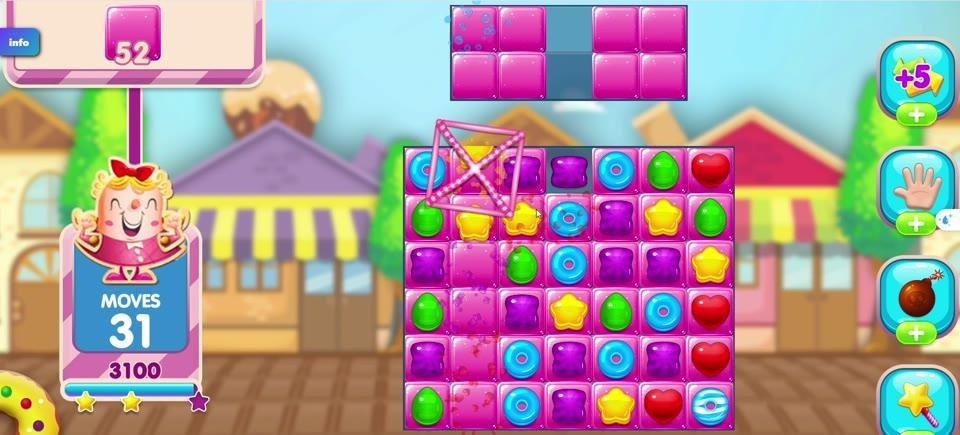
Figure 6. Large pink coverings and layered squares surrounding a smaller active candy area.
A square crossed by a pink X is a licorice lock. It holds the candy inside in place, stopping it from being swapped or falling. Form a match that includes the locked candy to release it, or use a suitable special effect; merely matching nearby candies usually leaves the lock intact.
Layouts change between stages. Some boards have isolated columns, narrow islands, or blank gaps where no candy can sit. Separated regions normally replenish their own cells; if a level provides a teleporter connecting regions, candies can move between them. Look for matches within the cells that are actually available.
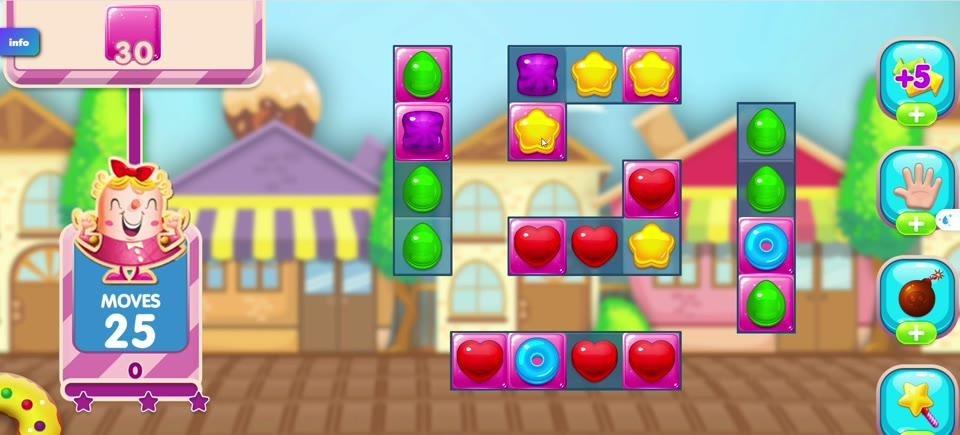
Figure 7. Separate small groups of candy squares divided by open gaps.
Targets, Scores, and Helpful Tools
The pink tracker at the upper left displays what remains to be collected or cleared. It may show numbered red hearts, yellow stars, or green drops, or one overall target count. The centered Your Target panel introduces a stage's objective. The left card shows MOVES and your score, so you can check your remaining turns while working toward the goal.
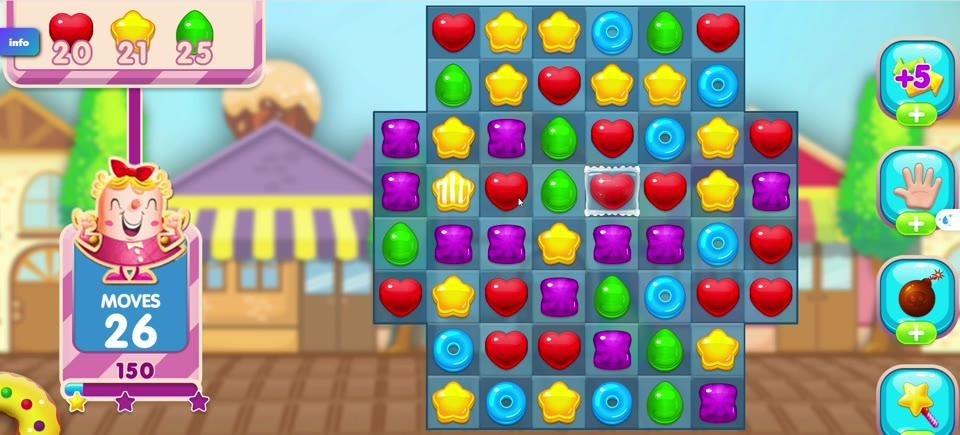
Figure 8. Colored target icons with counts above the board and the moves panel at left.
Ordinary matches award points for candies cleared; special effects score for the additional pieces and objects they remove. Falling candies can create chain reactions and sometimes higher scoring multipliers. The three stars below the score are rating thresholds: outlines fill gold as you earn points, and a better replay can improve the recorded level rating. Exact point amounts are not needed to understand the goal.
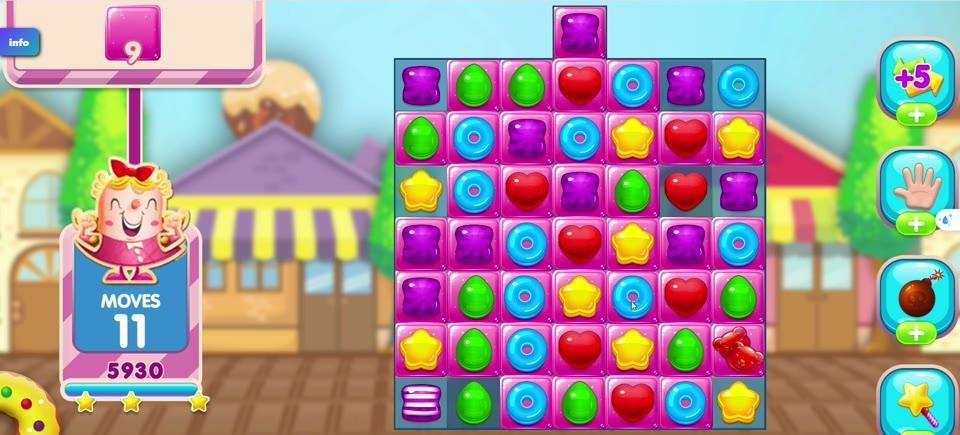
Figure 9. A crowded board with the score, move counter, and star progress visible.
On the right toolbar, choose the +5 Moves booster to add five moves when it is available; this may use an owned booster or require a purchase. Select the hand-shaped Free Switch, then choose two adjacent candies to swap them without making a match; the switch is consumed when used. The dark Color Bomb booster clears candies of one color: once a Color Bomb is on the board, swap it with a neighboring candy to clear all candies matching that neighbor's color. These boosters are separate from ordinary swaps.
Sparkles and green leaf-like bursts are temporary effects around candy clears, not pieces you need to collect. The large Fantastic! message celebrates a strong match or chain reaction; the message itself does not award a separate item or score.
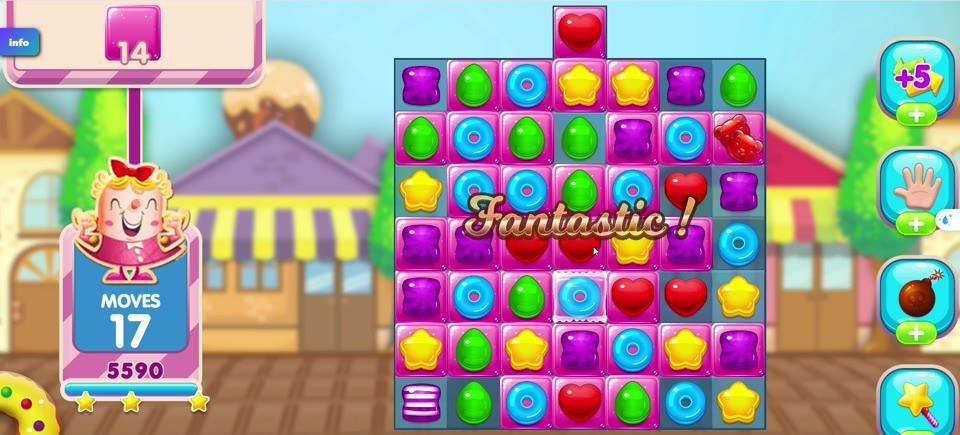
Figure 10. A bright Fantastic! celebration over the candy board.
Winning, Losing, and Continuing
You win a level by completing every displayed objective before running out of moves, then unlock the next stage. The result records your score and earned stars. If moves remain after success, a Sugar Crush sequence may turn them into extra clearing effects and points; those leftover moves and board candies do not transfer to the next level. This is a series of individual level victories, rather than one endless scoring round.
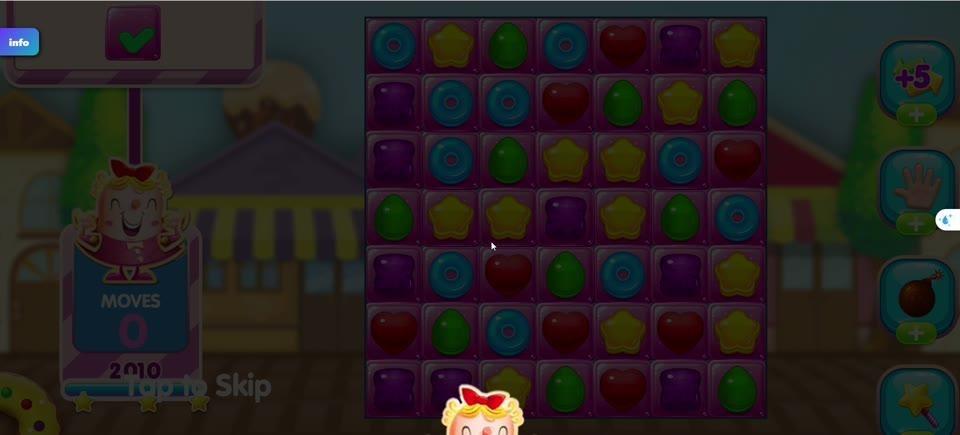
Figure 11. A dimmed board with the Skip option during the end-of-level effects.
If MOVES reaches zero while targets remain, the attempt fails. You can retry, which resets the candies, blockers, targets, and move allowance for that level; clearing progress from the failed attempt is lost. If an extra-moves option is offered, you can instead continue on the current board. A successful stage keeps its recorded stars, score, and unlock progress. During a finished level's Sugar Crush animation, Skip moves ahead to the results screen; it does not skip the challenge. Replacement candies keep the board supplied after matches, but they never restore moves you have already used.
Visual Style
Our puzzle sits against a warm, pastel candy-town street with peaked shop roofs, striped awnings, and soft blue sky. A smiling crowned mascot frames the left-side status panel. We gave the sweets bold, distinguishable silhouettes as well as bright colors, so a yellow star looks different from a red heart even when the board is crowded.
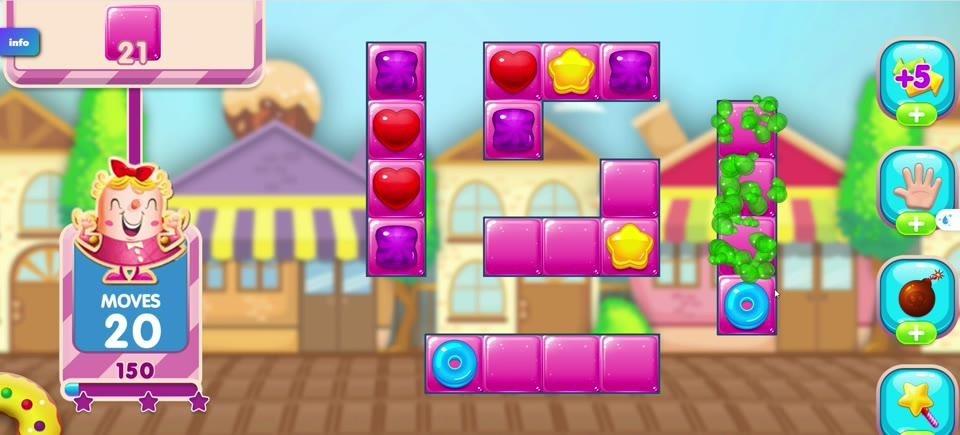
Figure 12. Small candy groups, pink coverings, and the pastel storefront scenery.
The screen alternates between tight, separated trays and fuller square grids. Glossy pink overlays look thicker than ordinary candy, X-shaped locks stand out against their cells, and colored bursts briefly mark clears. These differences help you spot the next match without losing track of the target display.
Standout Features
A level can start with just a few candy pockets and later challenge you with a broad board full of coatings and locks. That changing shape alters where you can make useful matches. Clearing one layer of sugar coating or freeing a locked piece adds a concrete second job beyond collecting colors.
Bejeweled 3 is another tile-matching puzzle, and one of its documented features is allowing matches while other gems fall. Candy Crush puts the emphasis here on a fixed move budget, explicit level targets, candy-specific obstacles, and earned star ratings. The shared pleasure is watching a new arrangement emerge; the decisions you make are tied to each stage's stated goal. [8]
Each short challenge gives you a visible aim and a chance to improve your result on a replay. Visit Slope3 to play Candy Crush and see how many sweetshop displays you can bring back to life.
Controls
PC: Mouse
1. Press and hold the left mouse button on a candy, drag it to the cell immediately above, below, left, or right, then release to swap the two candies. A valid three-or-more match clears; an invalid swap returns.
2. Alternatively, click one candy and then click an adjacent candy to swap them. Watch the board settle and choose the next match.
Mobile: Touch
1. Touch a candy and swipe up, down, left, or right toward the neighboring cell to swap it. Matching lines clear and new candies fall into open cells.
2. Alternatively, tap one candy and then tap an adjacent candy. If the swap does not make a valid match, both candies return to their original cells.
References
[1] Rock candy. https://en.wikipedia.org/wiki/Rock_candy
[2] Crystallization in highly supersaturated, agitated sucrose solutions. https://doi.org/10.1063/5.0150227
[3] Crystallisation of freeze-dried sucrose in model mixtures that represent the amorphous sugar matrices present in confectionery. https://doi.org/10.1039/c8fo00729b
[4] Dragée. https://en.wikipedia.org/wiki/Drag%C3%A9e
[5] Panning (food). https://en.wikipedia.org/wiki/Panning_(food)
[6] Crystal Coating Method: Sugar Panning. https://openalex.org/W7126821578
[7] Sugar glass. https://en.wikipedia.org/wiki/Sugar_glass
[8] Bejeweled 3. https://en.wikipedia.org/wiki/Bejeweled_3
Image Credits
Crystallized sugar, multiple crystals and a single crystal grown from seed.jpg — Zaereth — ccby-sa4.0. https://commons.wikimedia.org/wiki/File:Crystallized_sugar,_multiple_crystals_and_a_single_crystal_grown_from_seed.jpg License: https://creativecommons.org/licenses/by-sa/4.0
Dragee "Арахис в сахарной глазури" 02.jpg — Ural-66 — cc0. https://commons.wikimedia.org/wiki/File:Dragee_%22%D0%90%D1%80%D0%B0%D1%85%D0%B8%D1%81_%D0%B2_%D1%81%D0%B0%D1%85%D0%B0%D1%80%D0%BD%D0%BE%D0%B9_%D0%B3%D0%BB%D0%B0%D0%B7%D1%83%D1%80%D0%B8%22_02.jpg License: http://creativecommons.org/publicdomain/zero/1.0/deed.en